Decide faster
Swipe left or right in seconds without opening endless detail views.
PicSwipe for iOS
PicSwipe gives you a focused, swipe-based workflow to review your camera roll faster, cut clutter, and keep the photos you actually care about.
Free to try. Cancel anytime.
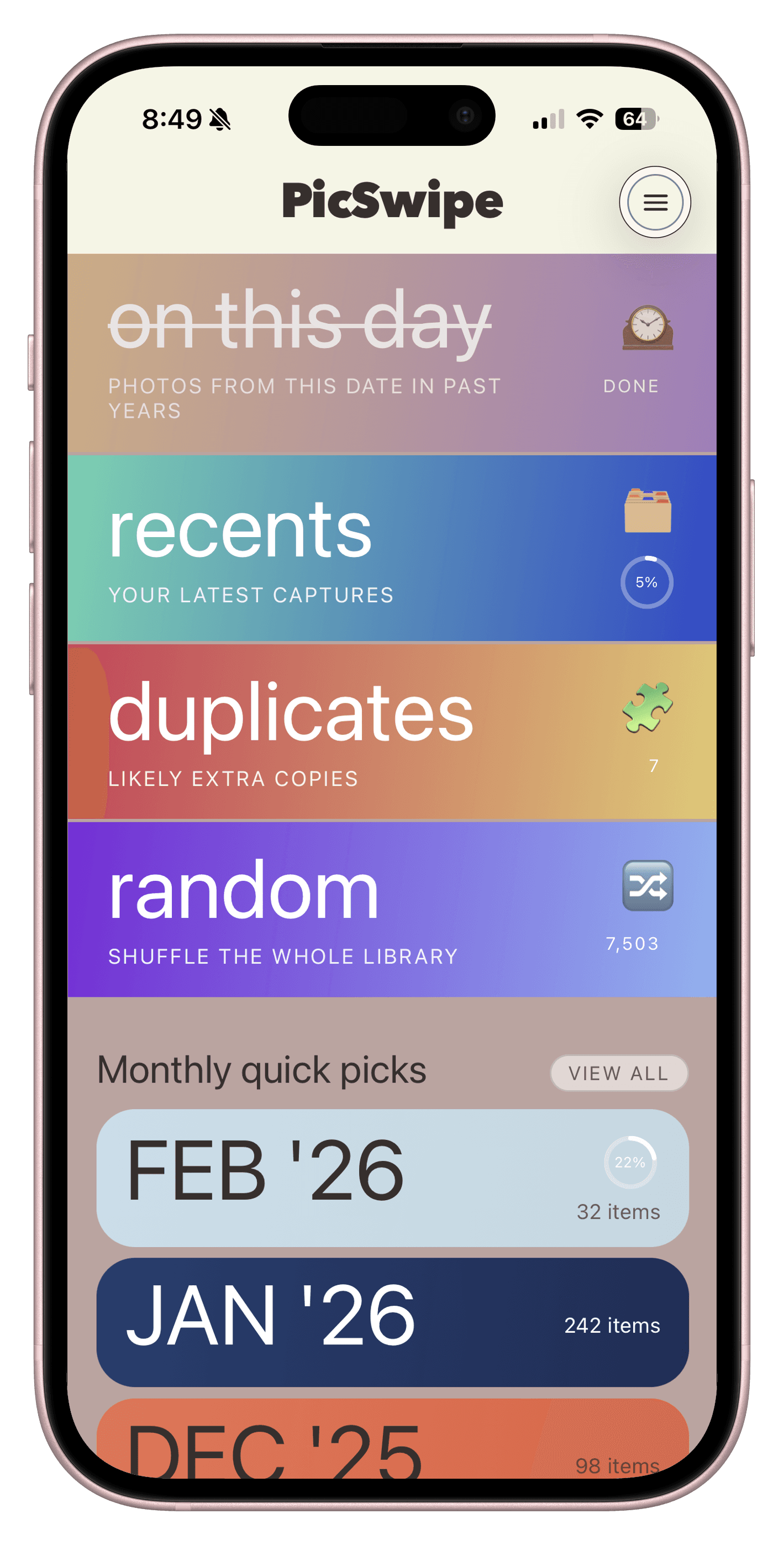
Why PicSwipe
Built for real-life camera rolls: lots of duplicates, too many screenshots, and not enough time.
Swipe left or right in seconds without opening endless detail views.
Photo review stays on-device so your media remains in your control.
Short sessions make cleanup feel light, not like a weekend project.
Bookmark the shots worth revisiting and find them instantly later.
How It Works
PicSwipe is intentionally straightforward, so you can make progress in minutes.
Choose a mode and begin with a focused stack of photos.
Keep, delete, or bookmark each image with a single gesture.
See results immediately and leave with a cleaner camera roll.
Screenshots
A quick look at the core screens you will use to clean up faster.
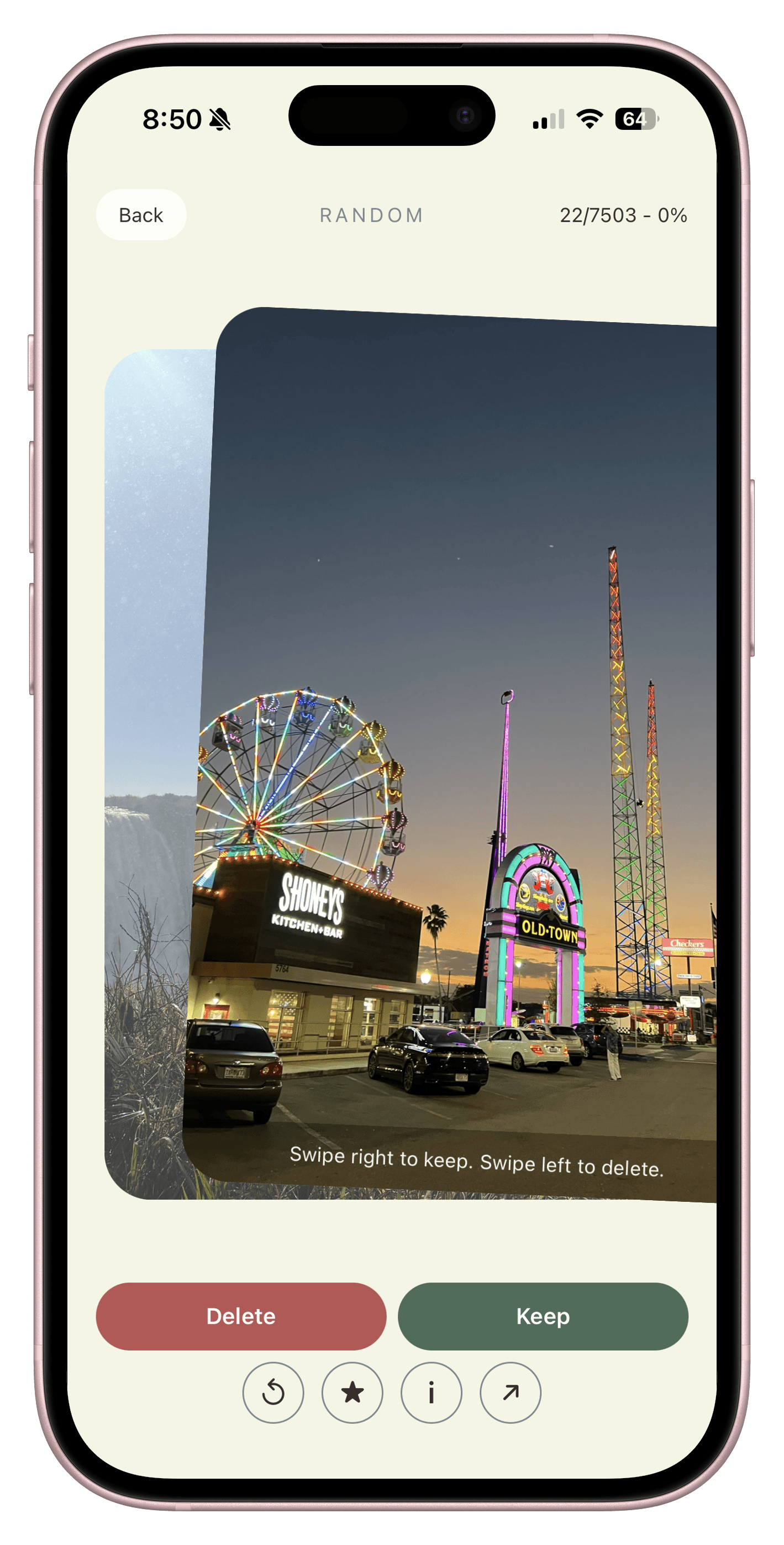
Swipe Right To Keep
PicSwipe brings your current photo forward, previews the next one behind it, and lets you keep your favorites with a single right swipe.
Feature Spotlight
Every part of PicSwipe is tuned for speed, confidence, and a calmer daily photo habit.
Focused Review
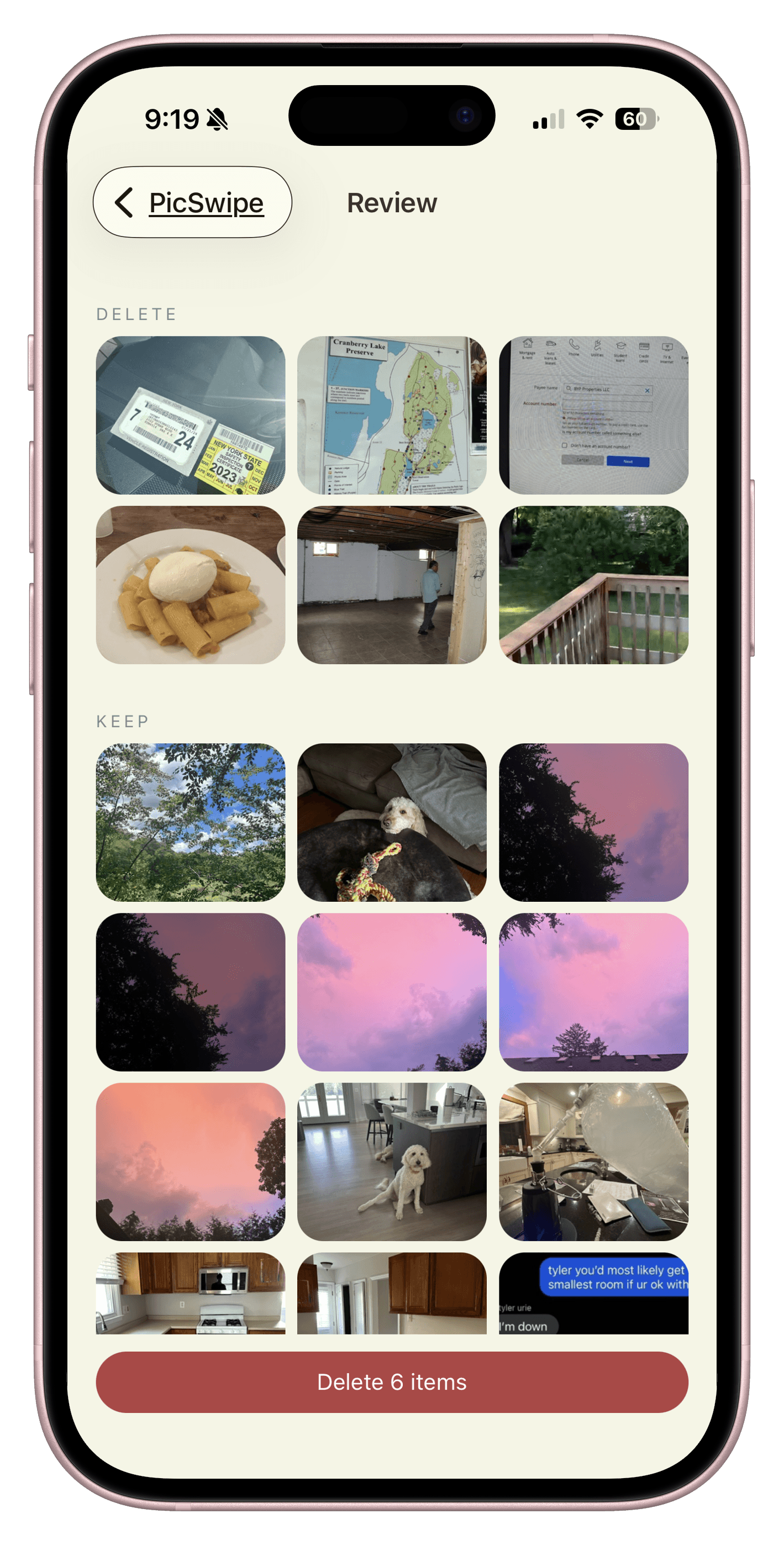
The Session Review screen keeps one photo front and center so you can decide quickly without visual noise.
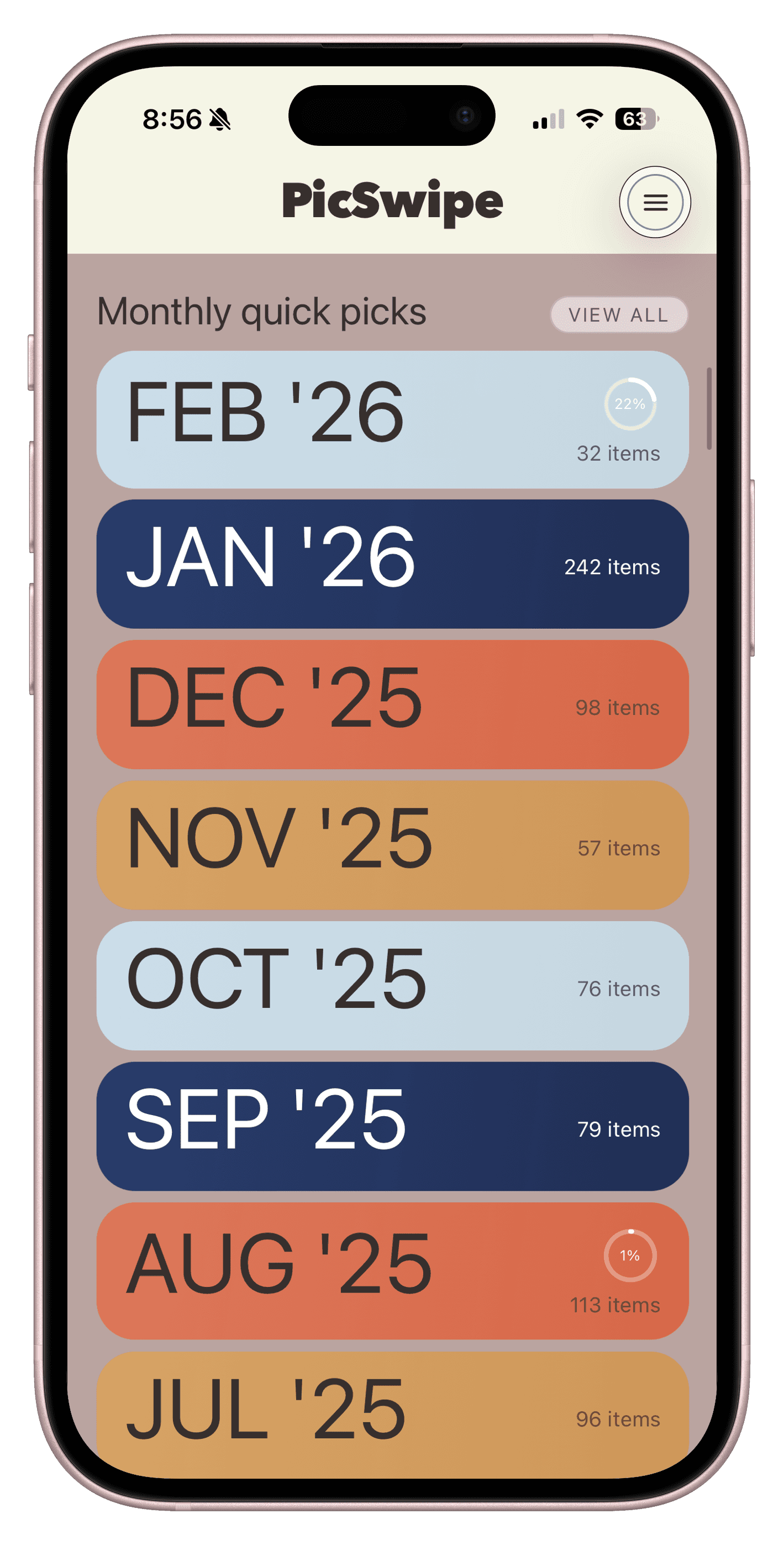
Monthly Picks
Monthly Picks groups photos into practical batches so each cleanup pass stays short and manageable.
Session Results
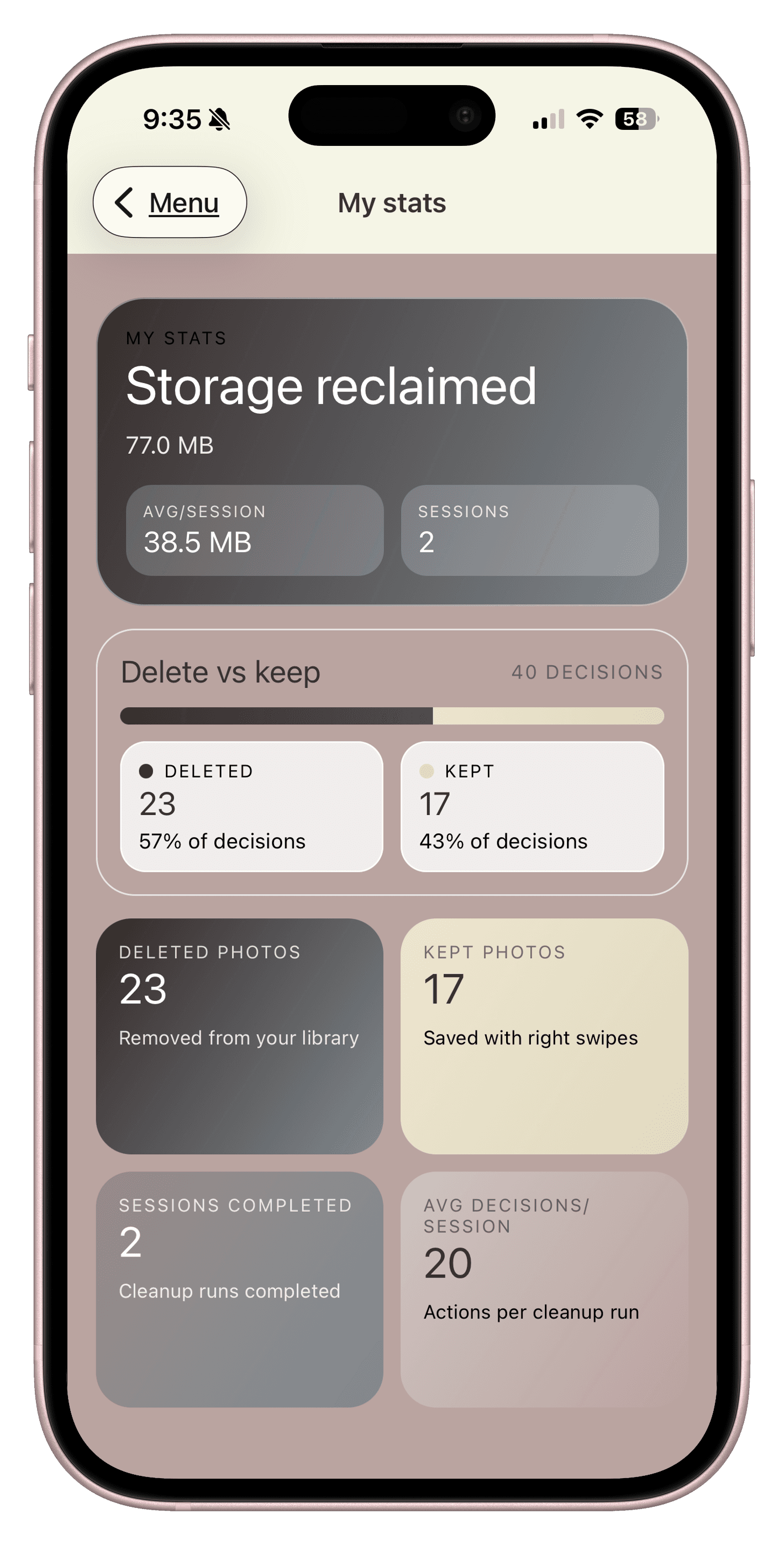
The Stats screen shows your cleanup momentum so you can keep building a weekly habit with confidence.
Loved by users
I finally cleaned up years of screenshots without burning an entire weekend. PicSwipe made it feel easy.
Maya R.
iPhone user, NYC
The swipe flow is addictive in the best way. I open it for 10 minutes and make real progress every time.
Chris T.
Travel photographer
I love that it feels calm and focused. No clutter, just quick decisions and a cleaner library.
Jordan L.
Parent of two
FAQ
Everything you need to know about PicSwipe, subscriptions, and privacy.
Start today
Install PicSwipe and turn the messy camera roll into a collection you actually enjoy revisiting.